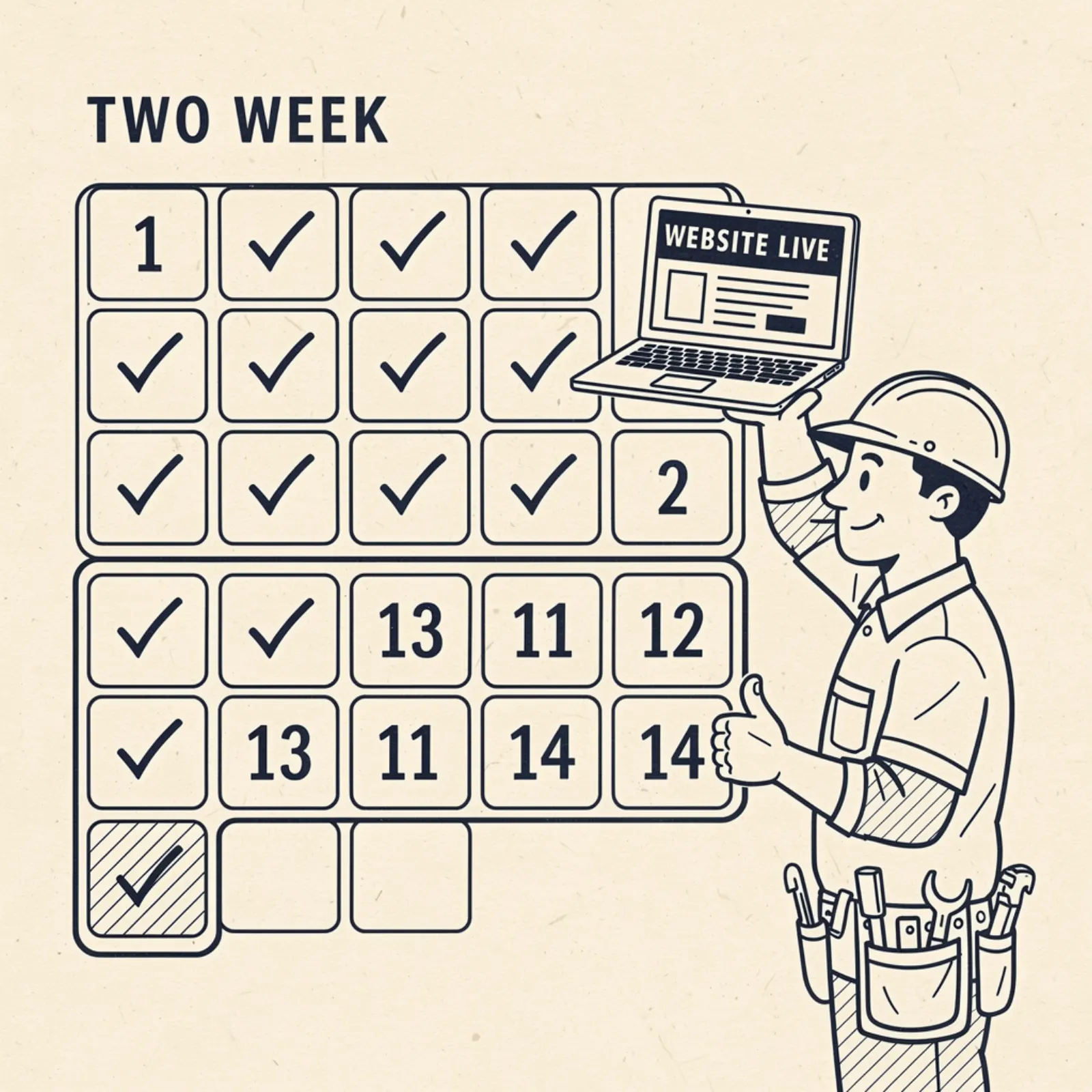
We tell every new client the same thing: you'll have a live site in 14 days. Here's exactly what that looks like, so you know what to expect and when we'll need something from you.
The process works for any kind of small business — a photography studio, a coffee shop, a dental office, an online coaching practice, a boutique gym. The questions we ask and the site we build are different for each one. The schedule is the same.
Day 1–2: Kickoff call + information gathering
The kickoff call takes 15–20 minutes. We ask a fixed set of questions: What do you do? What areas do you serve? What do you not do — most businesses have a real answer here, and putting it into words helps us write better copy. A wedding photographer might say she doesn't take school portrait bookings. A yoga studio might say it doesn't offer personal one-on-one personal training sessions. An online bookkeeper might say she doesn't handle businesses with over $2M in annual revenue. Those limits are part of your identity and they belong on your site. Who are your best customers? What makes you different from someone else doing the same thing? What do customers say when they refer you?
After the call, we send you a simple checklist: 6–10 photos of your work or your space, your logo file if you have one, your Google Business Profile link, any social media accounts, and any existing materials we can pull content from. You don't need to write anything — just send what you have and we'll draft the copy.
Day 2–3: We pull existing content
We use your Google Business Profile to extract your current description, reviews, hours, services, and any photos you've already uploaded. We check your existing website — if you have one — for any content worth keeping. We pull your social profiles for photos, captions, and any posts that give us a feel for your voice. We're building your content library before we build your site, so the first draft we hand you looks like your business, not a generic placeholder.
Most clients are surprised by how much usable material already exists. A boutique retailer with a few years of Instagram posts has a gallery, a brand voice, and a sense of what her customers respond to. A music teacher with 20 Google reviews has testimonial language we can work with directly. We mine what's there before we write anything new.
If you have nothing — no existing website, no social media, no GBP — that's fine too. The kickoff call and the photos you send us are enough to build from. We've launched sites for businesses that were starting completely fresh. It just means we're writing everything from scratch based on what you told us on the call, which takes a bit more back-and-forth during the review phase.
Day 3–7: First draft build
We build your full site: homepage, about page, services page, gallery, and contact page. Real content — your business name, your services, your location, your reviews, your photos. We don't put in placeholders and ask you to fill them in. You review a working site, not a template.
We write all the copy in a voice that sounds like you described yourself on the kickoff call — plain-English, specific to your business, not marketing fluff. If you said on the call that you specialize in first-time clients who've never worked with someone in your field before, that goes in the copy. If you said your clients always mention how responsive you are, that goes in too. We set up local SEO structure, schema markup, and mobile optimization as part of the build, not as add-ons.
The copy we write isn't generic. A gym owner who mentioned on the call that her members are mostly 35–55-year-olds who haven't worked out in years gets copy that speaks directly to that person — not gym-industry boilerplate about gains and performance. A dentist who said his practice is low-anxiety and he goes slowly with nervous patients gets copy that leads with that. The website has to work for your actual customers, and that means it has to reflect how you actually described your business.
Day 7–9: You review the draft
We share a preview link. Your job: go through it and write down everything you want changed. Wrong service listed? Tell us. Photo you don't like? Tell us. Copy that sounds off? Tell us. You get one round of revisions included. Most clients have 5–10 items on their list. Some have 2. Very rarely does someone have more than 15.
We don't want you to find errors after launch. Read every page. Check every service. Make sure your hours and locations are right. The draft review is the most important thing you do in this entire process — the site goes live with whatever is in the draft when you approve it. A coffee shop owner who approves a menu page without checking the hours is going to get customer calls after the building is closed. Take the 20 minutes to read it thoroughly.
Day 9–12: Revisions + pre-launch checklist
We apply your revisions, then run our pre-launch checklist: mobile responsiveness test on three screen sizes, page speed audit (targeting PageSpeed score 90+), every link confirmed working, contact form submissions wired to your phone and email, Google Search Console setup, sitemap submitted, meta descriptions written for every page, schema markup validated. Nothing goes live until every item on that list is checked.
The pre-launch checklist is non-negotiable. A site that looks good on desktop but breaks on mobile has failed before it launched. A contact form that goes to a dead email address is worse than no contact form. We test everything in the order a real visitor would encounter it, not just the parts that are easy to test.
Day 12–14: Domain connection + launch
We connect your custom domain — either one you already own (we'll send you the exact DNS settings to update, takes about 5 minutes on your end) or one we register for you. After DNS propagates (usually 24–48 hours), the site is live.
We send you a launch confirmation with: your live URL, your Google Search Console access, your Google Analytics link, and a one-page summary of how to submit revision requests going forward. You also get a brief explanation of what to watch in Search Console over the first 30 days — primarily whether Google has indexed your pages and whether any crawl errors have come up. That's it. You're live.
What you need to do to hit the 14-day timeline
Our side of the process runs on schedule. The variable is how fast you respond during the draft review window. If you review and send feedback within 24 hours, we launch on day 14. If the draft sits in your inbox for a week, the timeline slips by a week. It's your business — we'll move as fast as you do. Most clients who stay responsive are live before the two-week mark.
The other thing that helps: send good photos. A gallery page built from blurry screenshots or low-light phone shots is going to look like a low-light phone shot gallery. If you have a few dozen decent photos already — from social media, a previous website, anything — send them all and let us pick the best ones. If you don't have photos yet, the 14-day timeline still works, but we'd recommend getting a few real ones in the first 30 days after launch to replace the ones we used as placeholders.